Order Parts Online
Log into SmartEquip
Order parts online, straight from our interactive parts manuals. Sign in with your registered SmartEquip account, or use guest access and pay by credit card.
Order parts online, straight from our interactive parts manuals. Sign in with your registered SmartEquip account, or use guest access and pay by credit card.

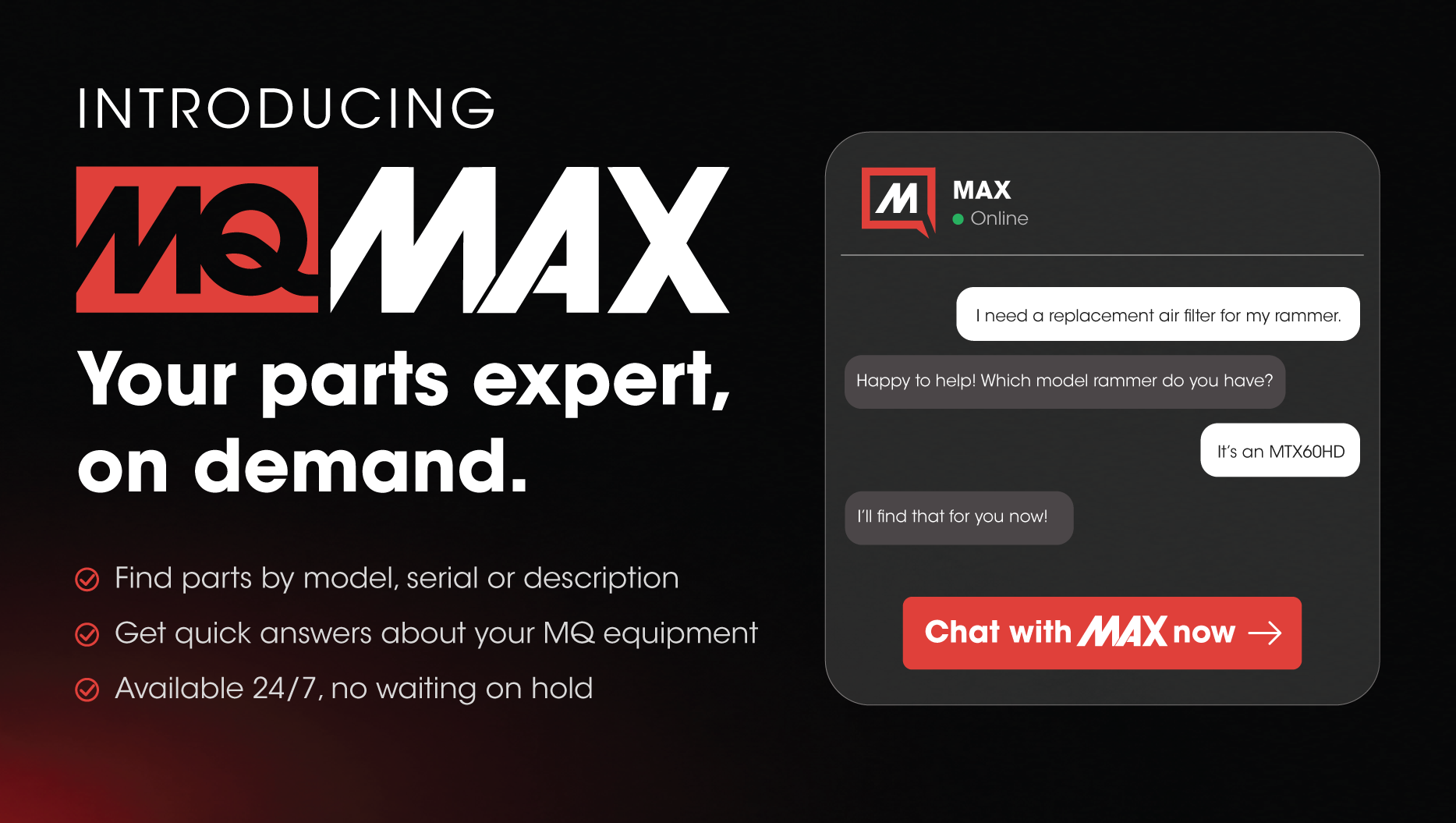
YOUR PARTS EXPERT, ON DEMAND.
Current MQ account holders can email us to get a SmartEquip username and password.
Request SmartEquip AccountSign in with your credentials. No account? Use guest access and pay by credit card.
Go to loginBrowse interactive parts manuals, add the parts you need to your cart and check out.
Guest login lets you order MQ parts online without a Multiquip or SmartEquip account. Here's how the two compare.
If you're claiming a sales tax exemption on a guest order, we need a copy of your resale certificate before you order.
Email it to resalecerts@multiquip.com or fax it to 877-880-2315.
If we don't have a certificate before you order, sales tax will be added. Questions? Call 310-537-3700.
The latest from the Multiquip Parts team.
Contact our Parts Department about MQ equipment or SmartEquip.